
Current product · New and used passenger inventory
Bring vehicle photography in-house.
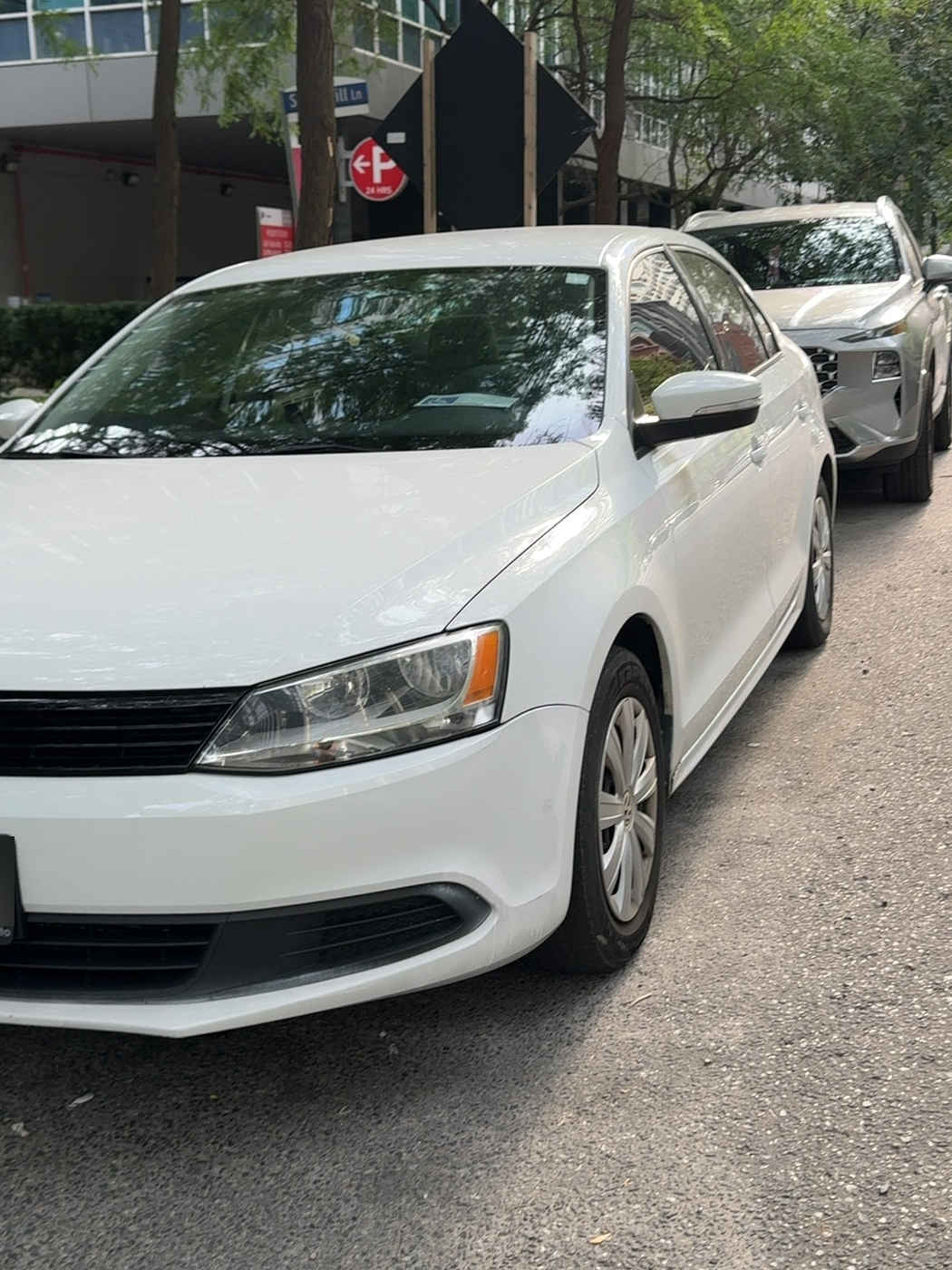
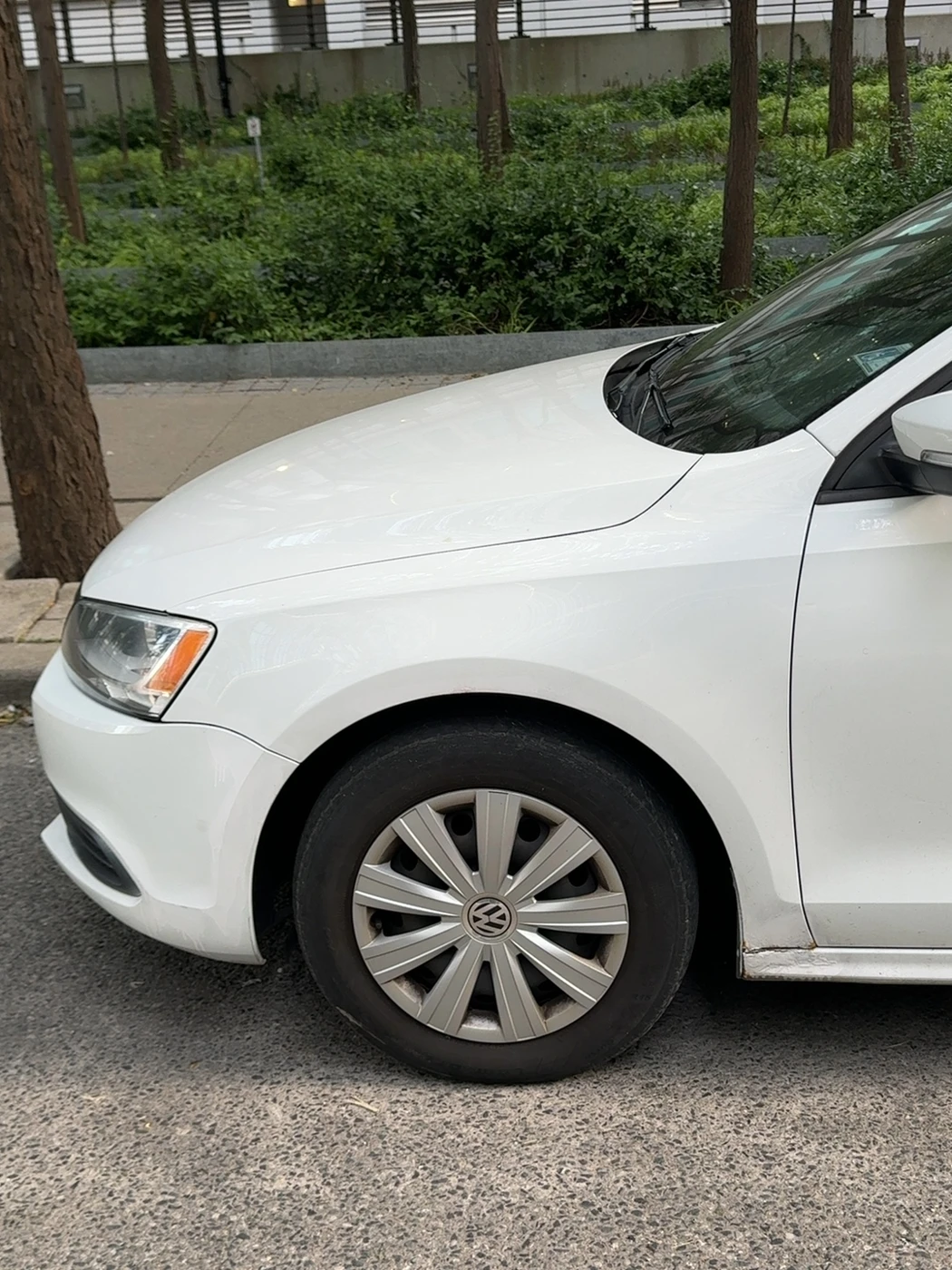
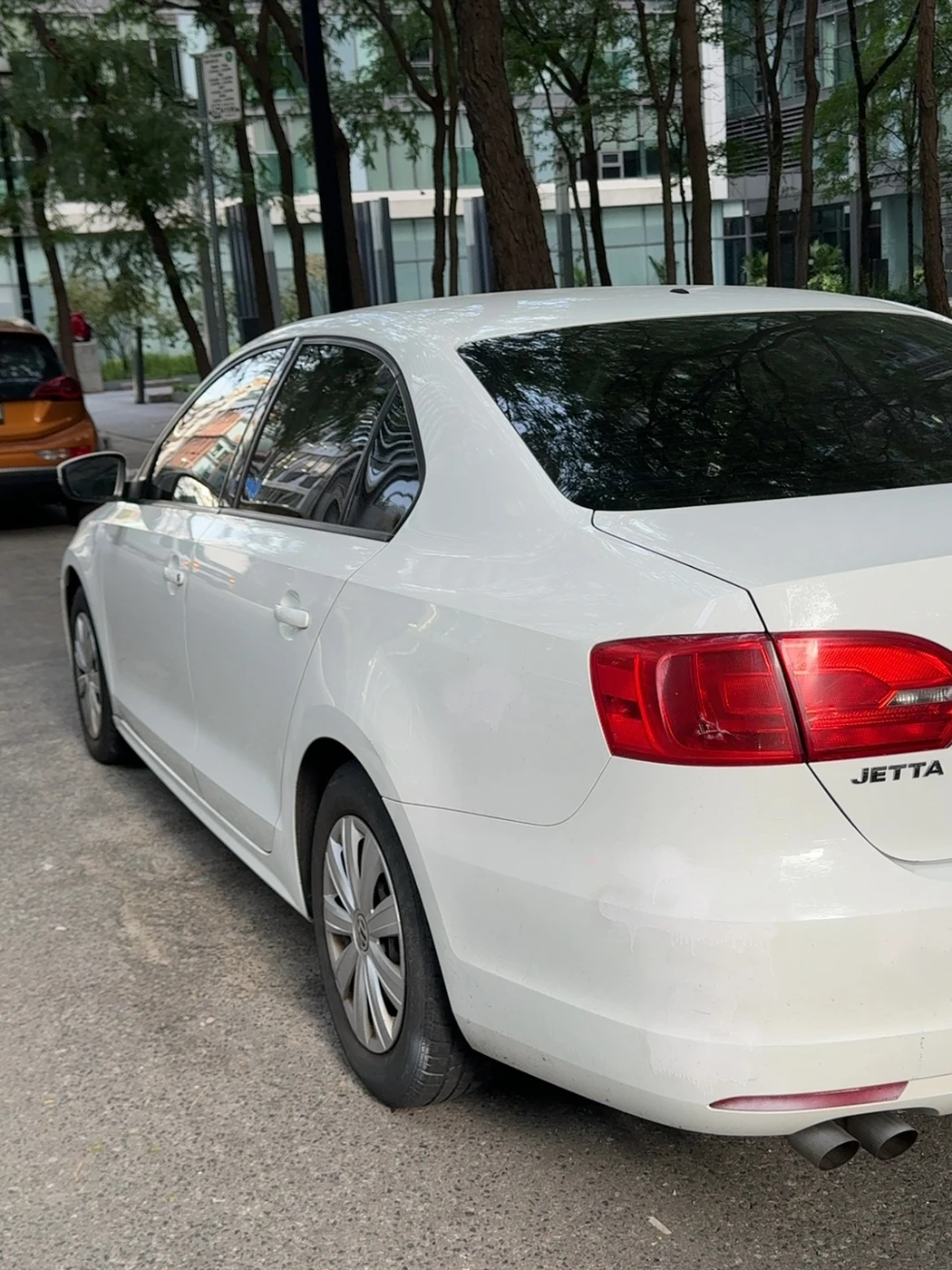
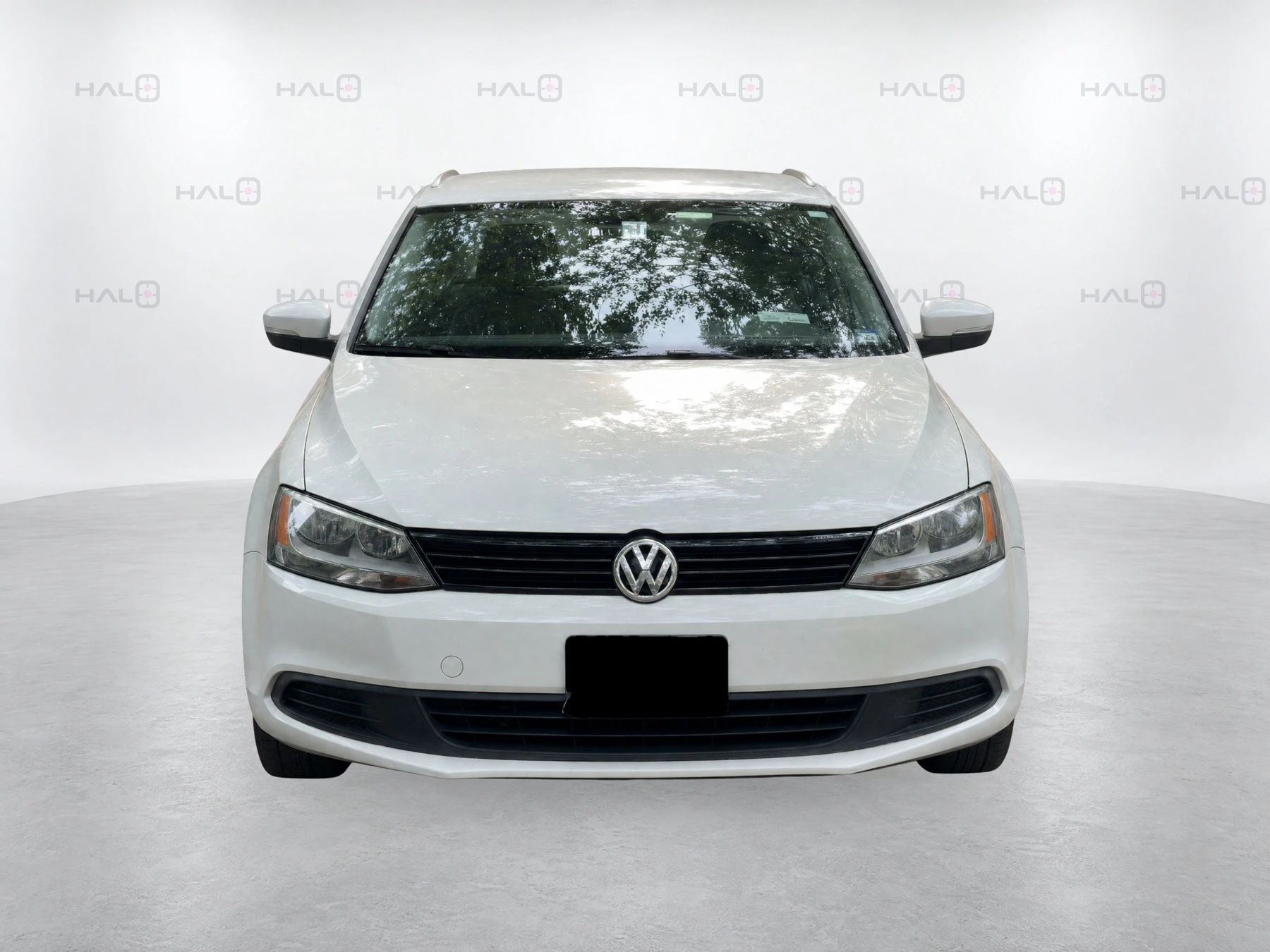
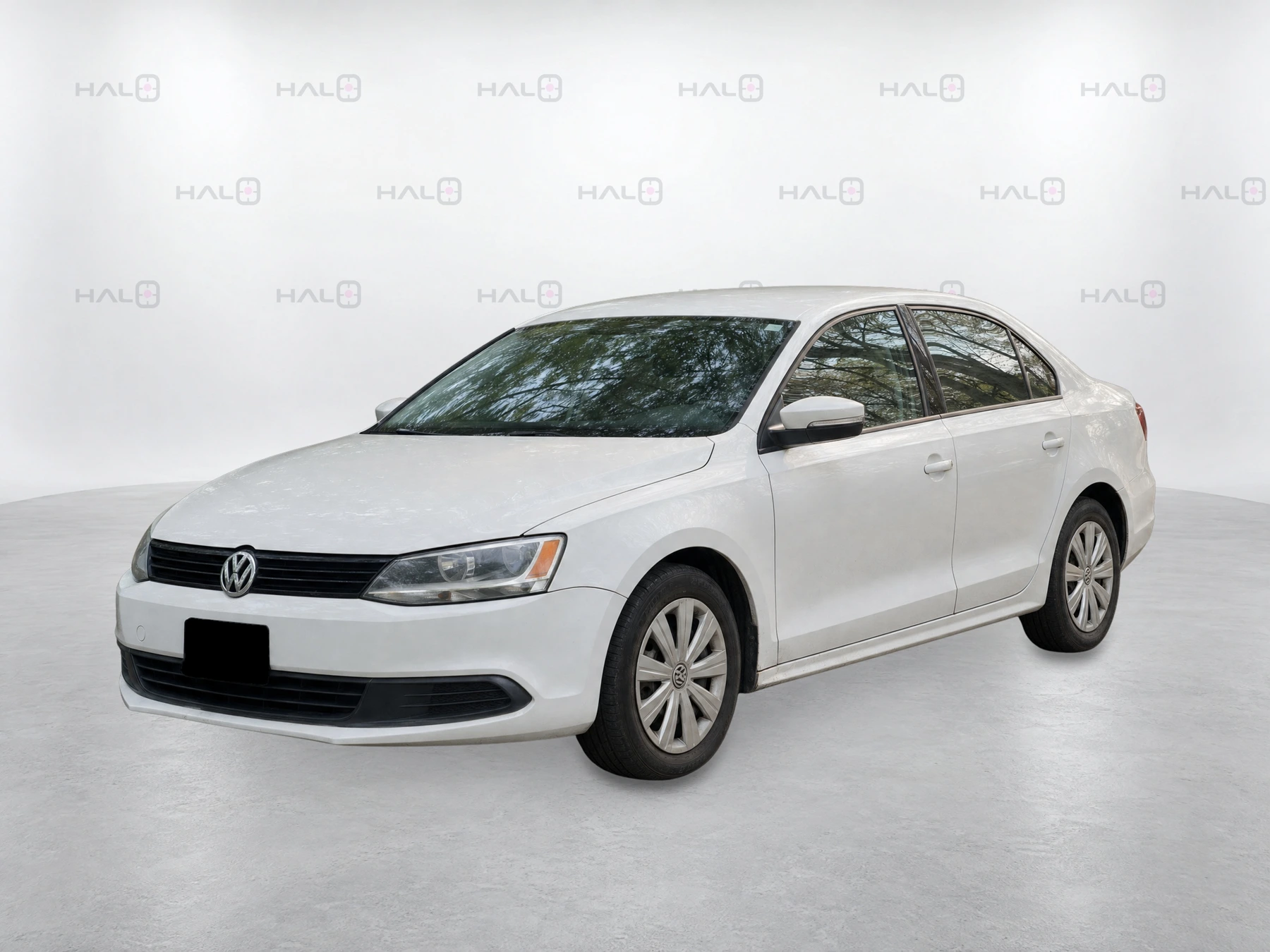
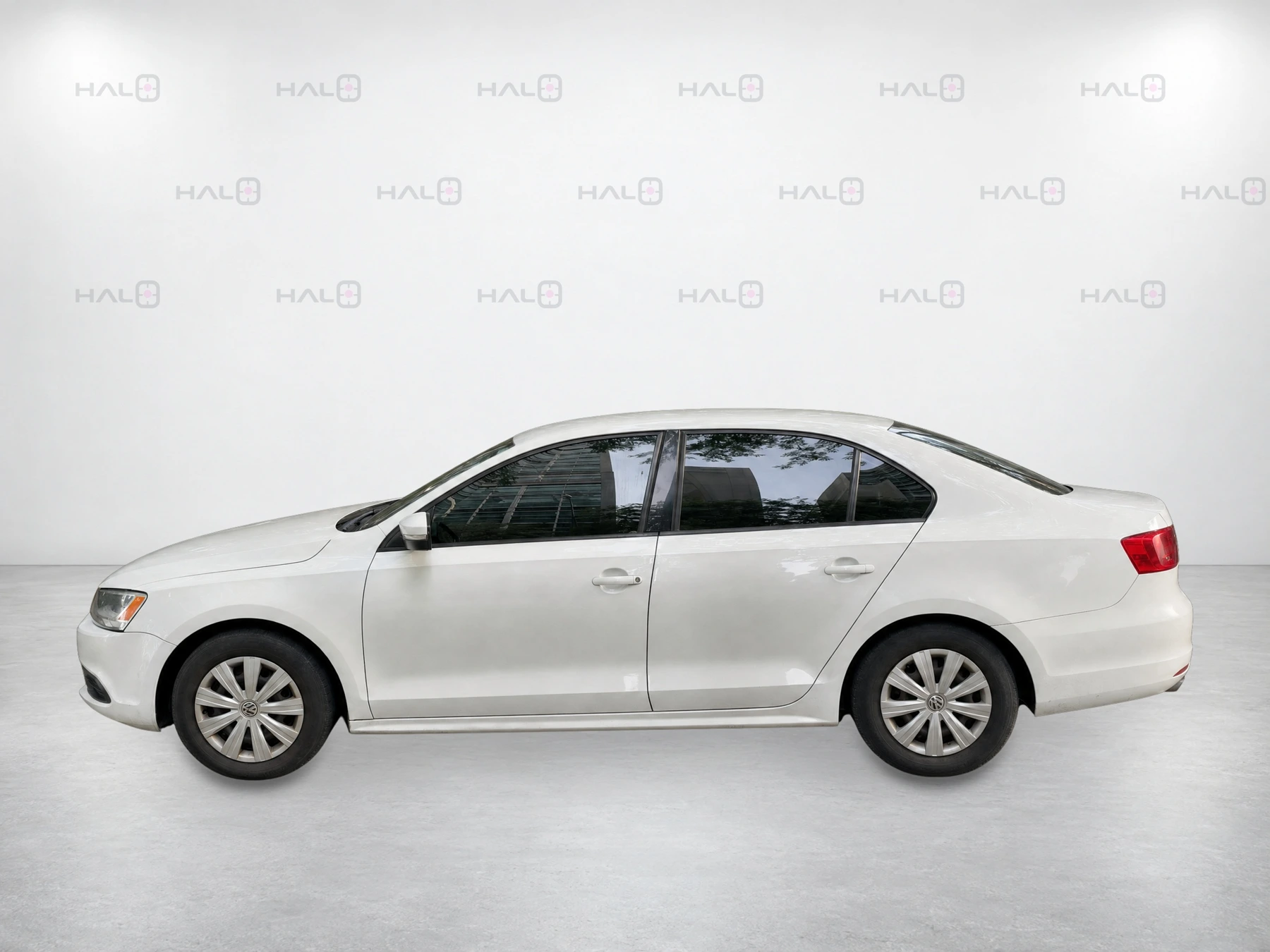
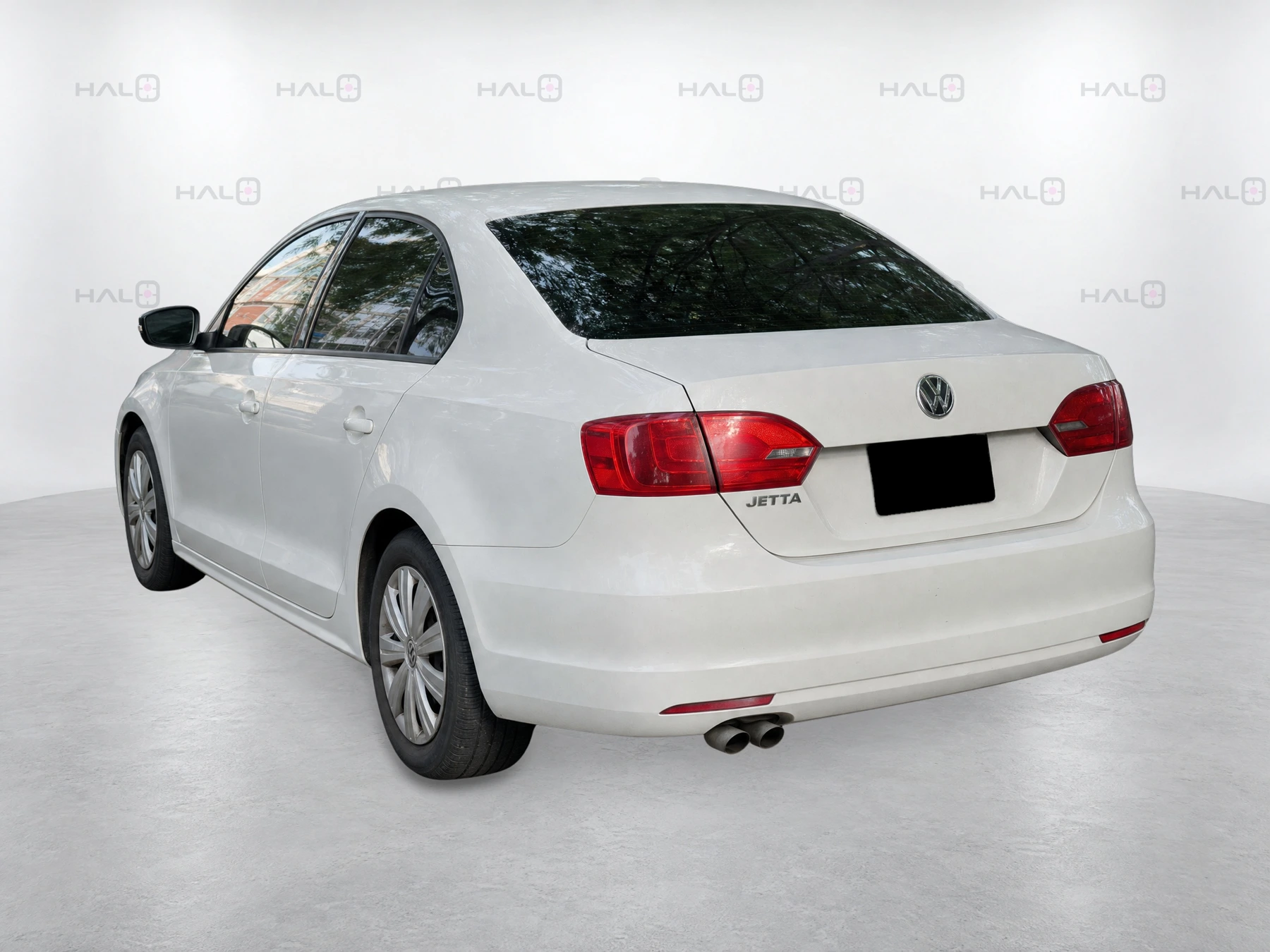
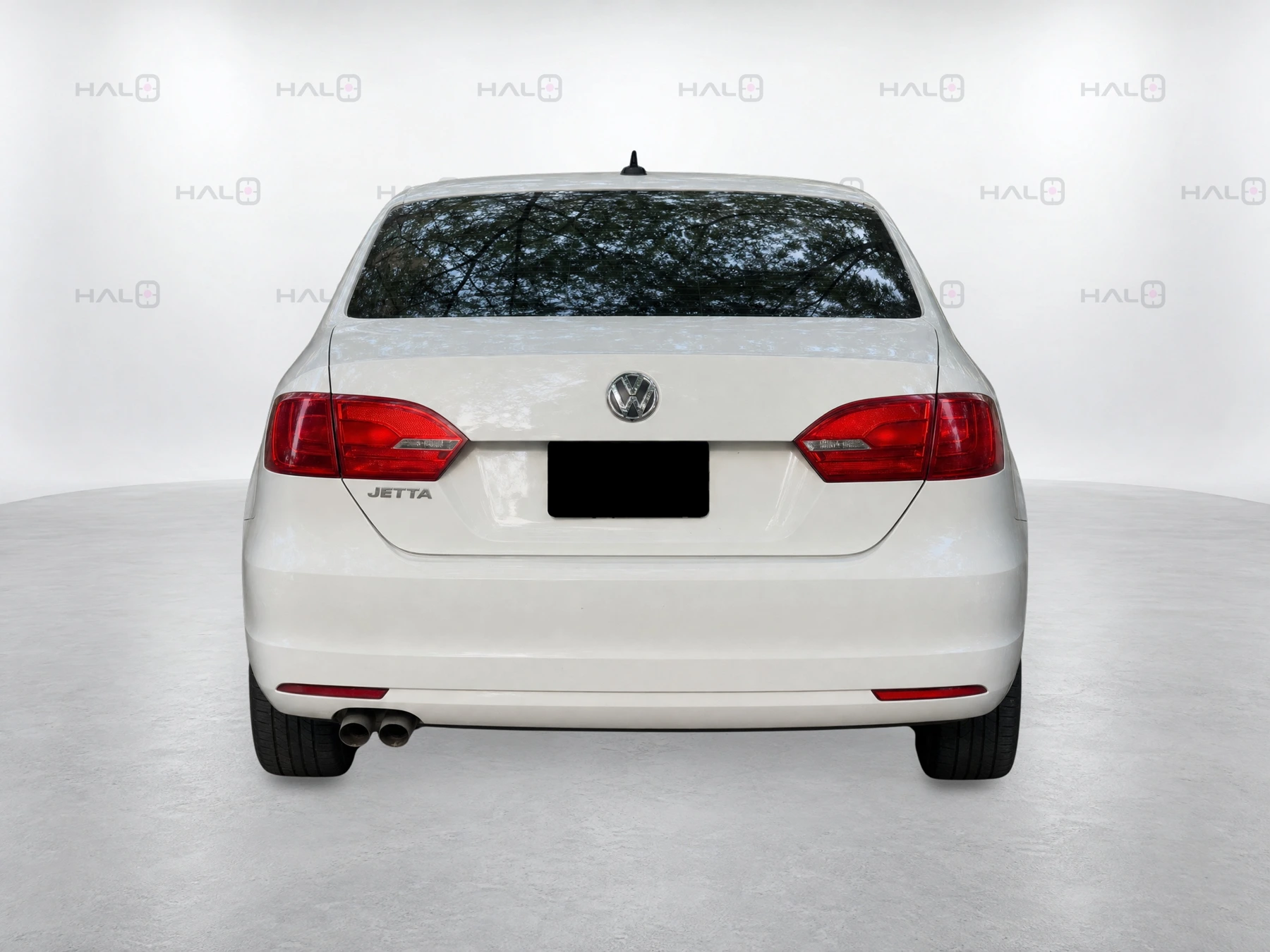
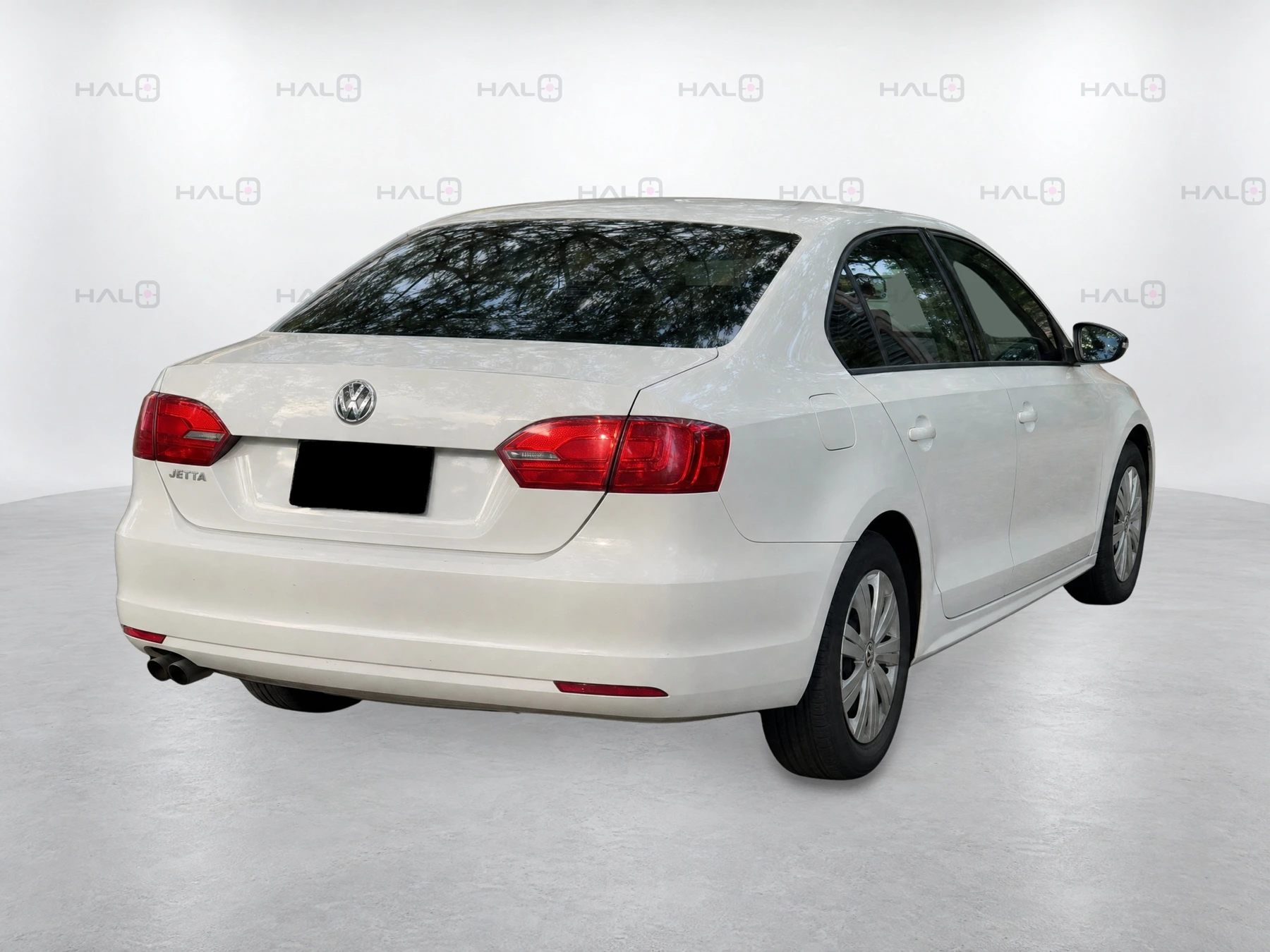
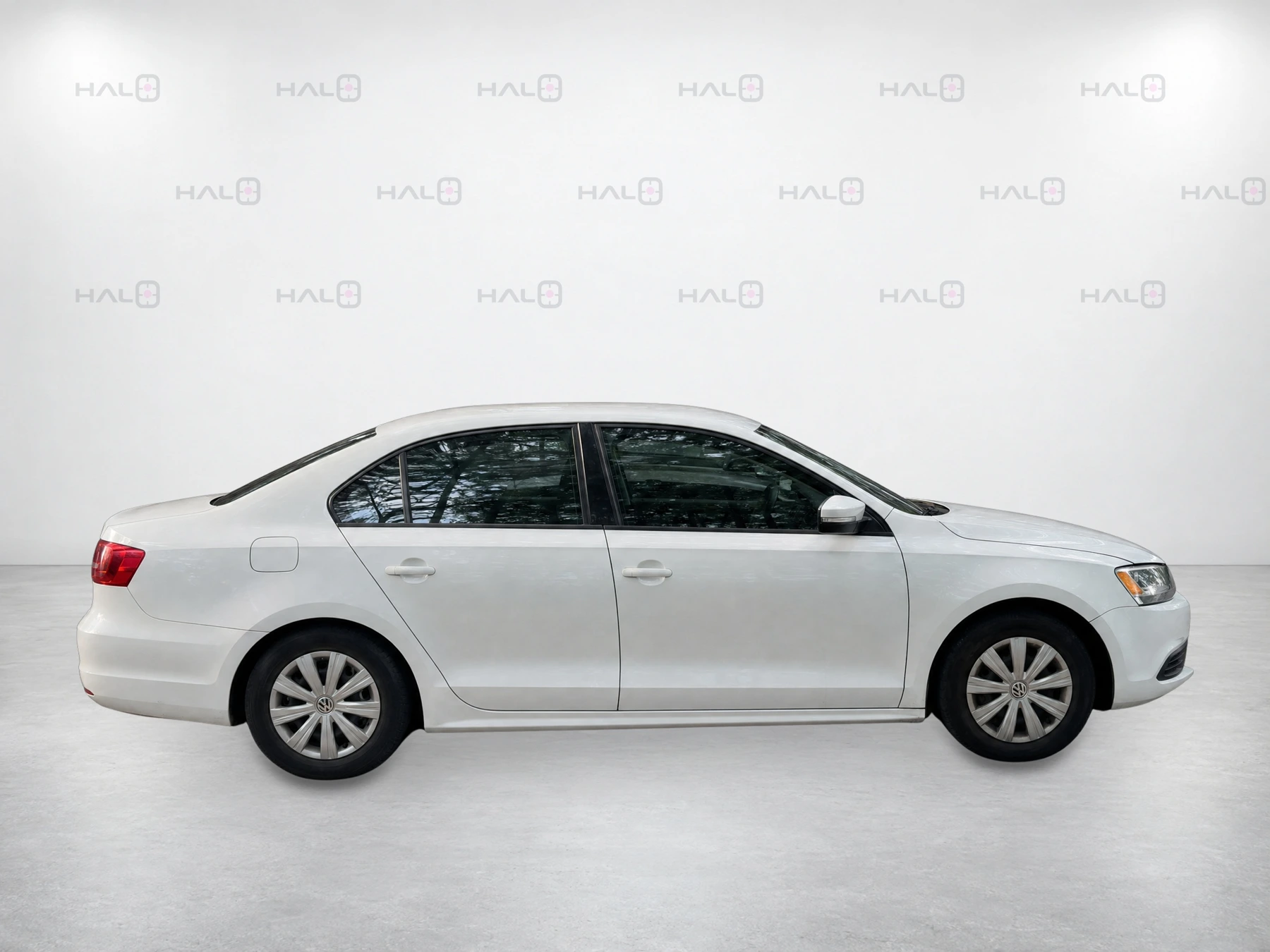
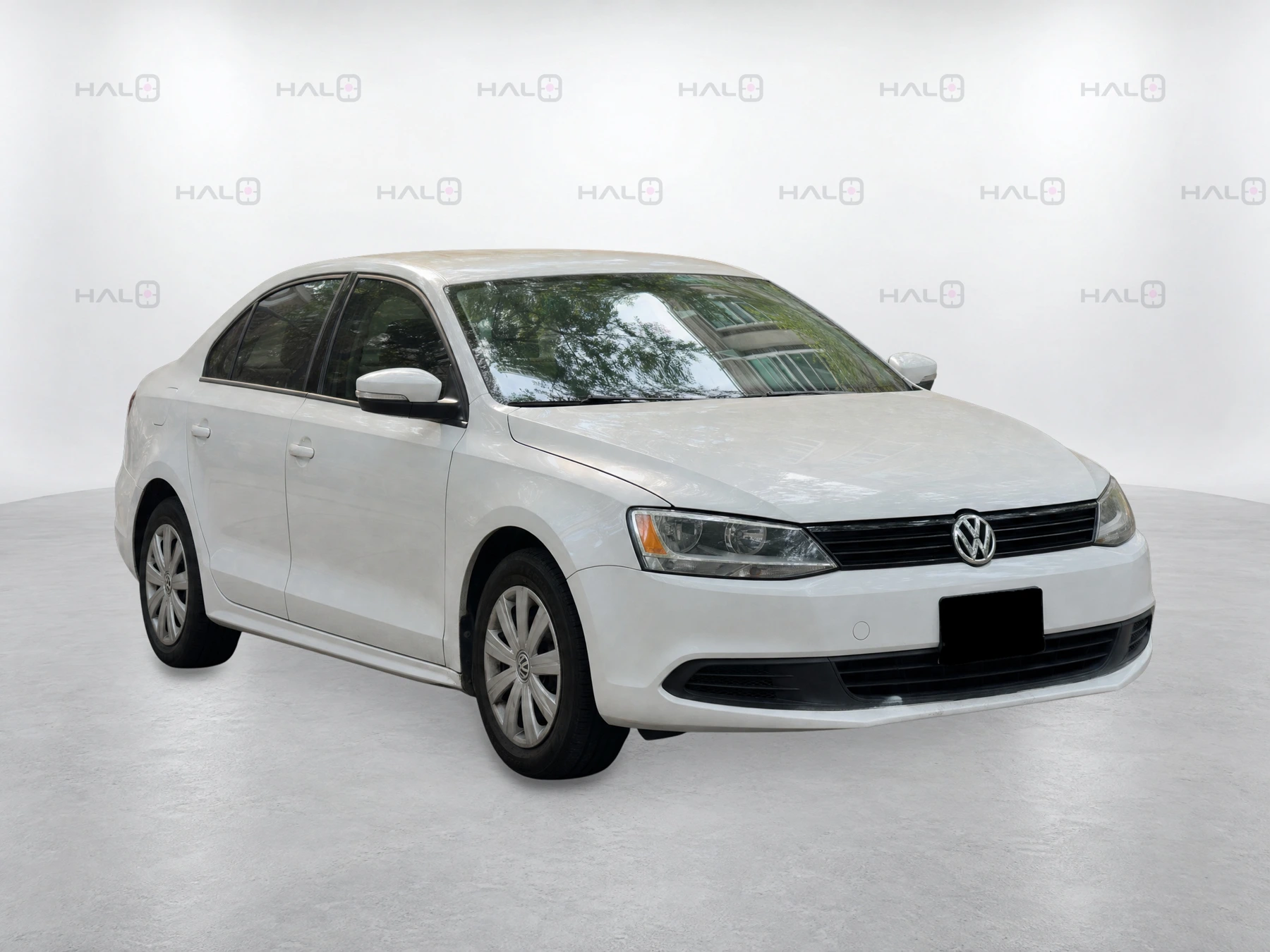
Your staff capture the vehicle on a phone. Halo handles the framing and produces eight consistent exterior listing photos.

01 · Capture
Built for skill, space and time.
Open the capture link and confirm the VIN. Halo tracks the phone’s position around the vehicle and guides each shot. It checks the view, target, distance, level and clarity, then captures automatically.
Skill
Staff follow the guidance; Halo handles the framing.
Space
Allow about five feet of clearance around the vehicle. Capture close-up sections; Halo creates the whole-car views.
Time
About 90 seconds for exterior capture. Interior and detail photos are additional; processing, checks and delivery follow.
02 · Results
From capture to listing photos.
Keep original close-ups for condition review. Use standardised exterior views for the listing. Compass capture is trained across all passenger vehicle types.
Halo checks the finished set before delivery, preserves visible features and condition, and requests retakes when needed.
03 · On your lot
Photos at stock-in. A refresh after detail.
Use appraisal captures once a vehicle is acquired and stocked. For new inventory, start at arrival. Refresh after recon and detailing.
The VIN connects source captures, finished views and delivery status to the right vehicle.
Guided interior and feature capture can add up to 25 photos, depending on setup.
Already integrated with vAuto for appraisals, and Boost and HomeNet for syndication. Publishing requires a matching inventory record and approved images. We confirm your account setup and delivery workflow during onboarding.
04 · Pricing
One monthly price per rooftop.
Includes capture, image processing, quality checks, detail photos, backgrounds, agreed delivery, onboarding and support. No per-car charges or overages.
After setup, supported capture works offline; processing and delivery need connectivity.
See the current product